Mission Board / Shooting Theatre / Cannon Balls
Cannon Balls
Mission briefing
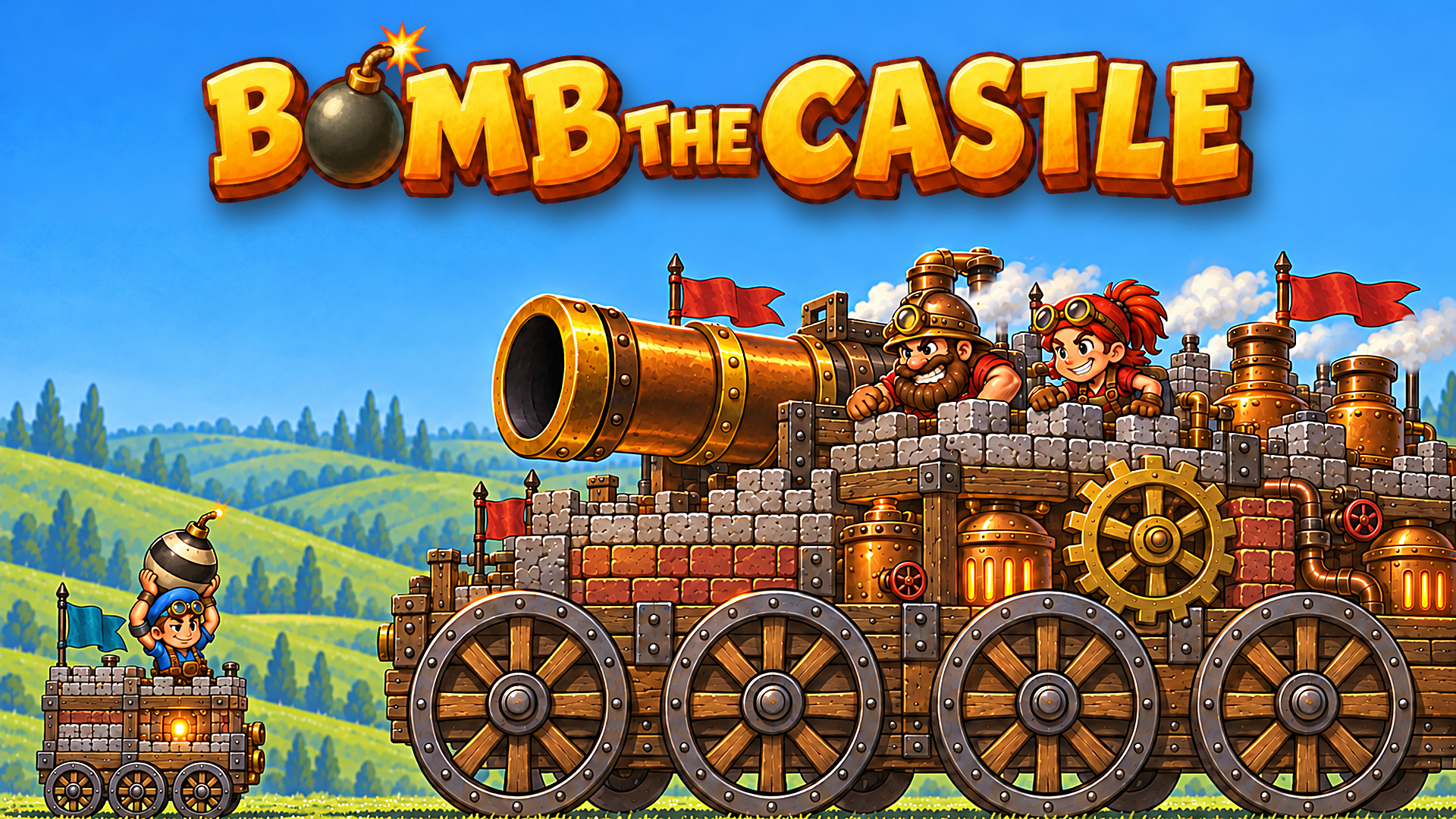
Try to be the master of destruction, heat up the buildings neatly and show no mercy! In 'Cannon Balls 3D' it depends on how skillfully you place the shots so that the structures collapse as efficiently as possible. Watch your ammo, because it's limited. But don't worry. There will also come a time when you will bring the cannon to the edge of functionality. Especially when the great bombs are used. So what are you waiting for?
Field manual
Aiming & Shooting: On desktop/browser: Move your mouse to aim the cannon and click the left button to fire. On mobile: Drag your finger (or stylus) to aim, and tap once to shoot. Weak Points and TNT: Target weak spots in the structure (like glass or foundation blocks) to maximize collapse. Hitting TNT (when present) triggers chain reactions to clear multiple blocks at once. Bomb Power-Ups: A bomb meter fills up as you shoot shapes and earn points. When full, tap the bomb icon to switch cannonballs to bombs temporarily. You’ll normally get only three bombs per level, so use them wisely on tougher structures or large clusters.
Launch orders: press Launch mission above and the game loads on this page itself — nothing downloads and no form stands between you and the first move. It is designed for a portrait (upright) screen and takes its orders from mouse, keyboard or touch, depending on the mission. It is built tall, for an upright screen — a phone held normally frames it best, though any window will run it. If it offers a fullscreen control, use it — a fight this size deserves the whole screen.
Field notes for shooting operations
- Short bursts beat long ones. Recoil, spread and plain panic all grow the longer you hold the trigger; three controlled shots land where one long spray writes poetry on the wall behind your target.
- Reload behind something. The reload animation is the most dangerous second in any shooter — spend it behind cover, mid-jump, or not at all if the magazine still has work in it.
- Sound is intelligence. Footsteps, reload clicks and distant fire tell you where the fight is before the screen does; play with the volume up and treat every noise as a map marker.
Cannon Balls — questions from the ranks
What does it cost to play Cannon Balls?
Nothing at all. The mission is free from the first order to the last — no sign-up, no download, no paid tier guarding the good levels. The advertising around this page is what keeps the board free.
What sort of mission is Cannon Balls?
Cannon Balls is filed in our Shooting theatre. Like every operation on this board, it is a browser game — read the briefing above for the publisher's own account of what you are deploying into.
Can I run Cannon Balls on a phone or tablet?
Yes. It plays in the browser on phones and tablets exactly as it does on a computer. It is built tall, for an upright screen — a phone held normally frames it best, though any window will run it.
Do I have to install anything before playing?
No installation of any kind. Cannon Balls is an HTML5 game: press the launch button and it loads on this page, and closing the tab leaves nothing behind.
After-action
Mission complete, or still pinned down? The full Shooting theatre is one click away — Trigger discipline optional, aim compulsory. Two hundred and thirty-one shooting operations, from arcade galleries to full online firefights, posted in roster order — the strongest files first.
| Theatre | Shooting |
| Screen | portrait |
| Entry fee | Free |
| Runs on | Android, For IOS, For Desktop (browser) |
| In-game purchases | None listed |