Mission Board / Shooting Theatre / Purr Magic: Merge Balls
Purr Magic: Merge Balls
Mission briefing
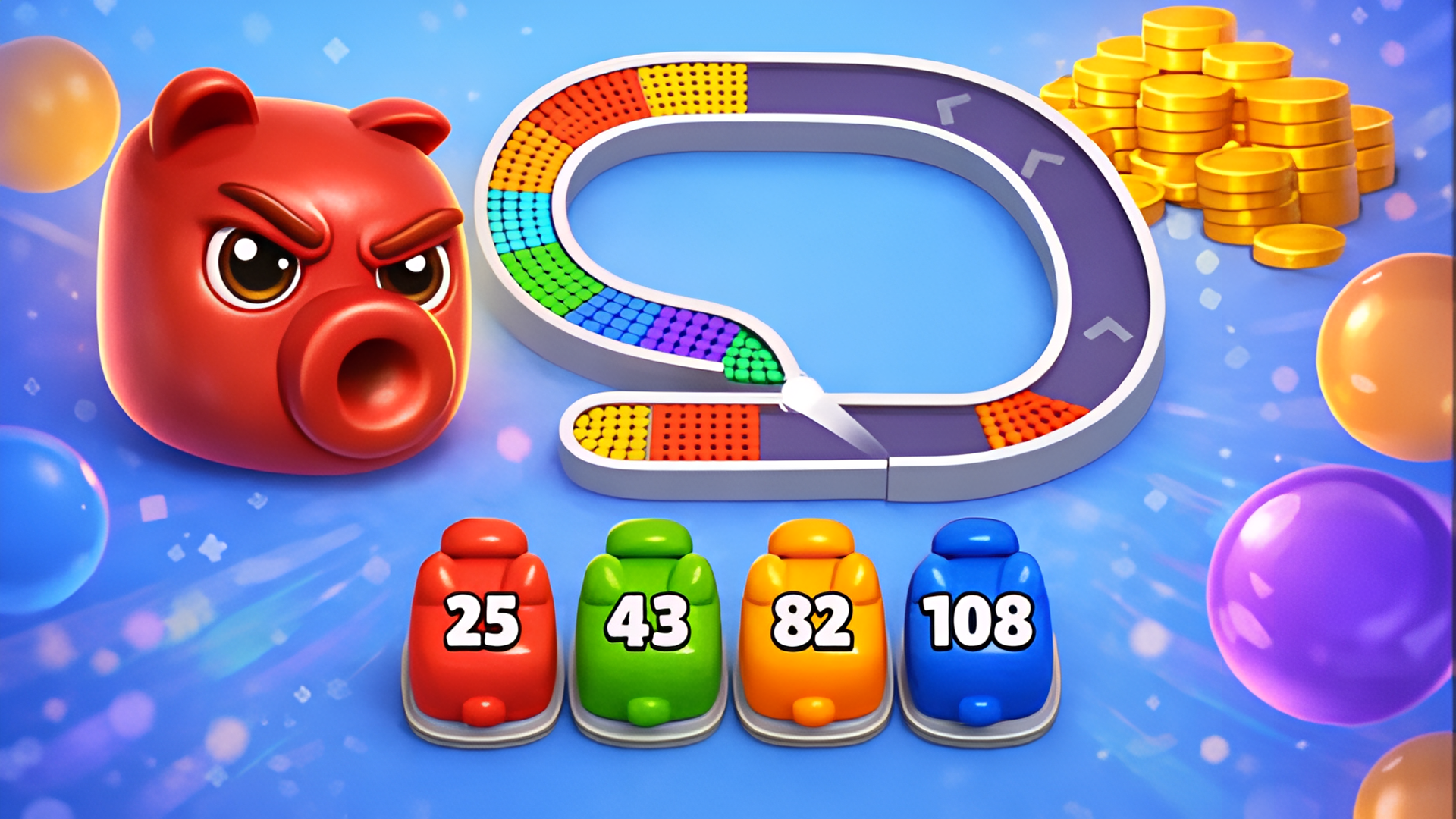
A little cat, a wizard hat and a jar full of possibilities. Drop matching balls into the jar, merge them into bigger ones and set off satisfying chain reactions! Plan each drop, watch the next ball and leave room for more. Quick merges build combos for extra points. Can you reach the level 11 ball and beat your personal best? Give every run a new look with 10 themes. Play beneath enchanted trees, among cherry blossoms or beside a frosty observatory. Collect ball designs and backgrounds, then mix your favorites. Three boosters can help in a regular run: shake the jar, erase a chosen ball or use power throws. Visit the calendar for daily challenges with different goals and a limited number of drops. Earn coins for each level's first completion and grow your collection!
Field manual
On a computer, move the mouse above the jar and click the left mouse button to drop a ball. On a phone, hold your finger on the play area, aim and release. Two matching balls merge into one of the next level when they touch. Watch the next-ball preview and keep merging to build combos. Leave room in the jar: if balls stay above the dotted line for too long, the run ends. In a regular run, Shake tosses the balls, Eraser removes a ball you choose, and Power Throws lets new balls push through to the bottom for 10 seconds. Open the calendar to pick a daily level. Complete its goal within the drop limit. Coins are awarded once per level; beating it again gives no extra coins. Keyboard: left and right arrows to aim, Space or down arrow to drop, Esc to pause.
Launch orders: press Launch mission above and the game loads on this page itself — nothing downloads and no form stands between you and the first move. It is designed for a flexible screen and takes its orders from mouse, keyboard or touch, depending on the mission. It adapts to both upright and wide screens, so phones, tablets and desktops all frame it sensibly. If it offers a fullscreen control, use it — a fight this size deserves the whole screen.
Field notes for shooting operations
- Short bursts beat long ones. Recoil, spread and plain panic all grow the longer you hold the trigger; three controlled shots land where one long spray writes poetry on the wall behind your target.
- Reload behind something. The reload animation is the most dangerous second in any shooter — spend it behind cover, mid-jump, or not at all if the magazine still has work in it.
- Sound is intelligence. Footsteps, reload clicks and distant fire tell you where the fight is before the screen does; play with the volume up and treat every noise as a map marker.
Purr Magic: Merge Balls — questions from the ranks
What does it cost to play Purr Magic: Merge Balls?
Nothing at all. The mission is free from the first order to the last — no sign-up, no download, no paid tier guarding the good levels. The advertising around this page is what keeps the board free.
What sort of mission is Purr Magic: Merge Balls?
Purr Magic: Merge Balls is filed in our Shooting theatre. Like every operation on this board, it is a browser game — read the briefing above for the publisher's own account of what you are deploying into.
Can I run Purr Magic: Merge Balls on a phone or tablet?
Yes. It plays in the browser on phones and tablets exactly as it does on a computer. It adapts to both upright and wide screens, so phones, tablets and desktops all frame it sensibly.
Do I have to install anything before playing?
No installation of any kind. Purr Magic: Merge Balls is an HTML5 game: press the launch button and it loads on this page, and closing the tab leaves nothing behind.
After-action
Mission complete, or still pinned down? The full Shooting theatre is one click away — Trigger discipline optional, aim compulsory. Two hundred and thirty-one shooting operations, from arcade galleries to full online firefights, posted in roster order — the strongest files first.