Mission Board / Survival Theatre / Skyblock 3D: Survival
Skyblock 3D: Survival
Mission briefing
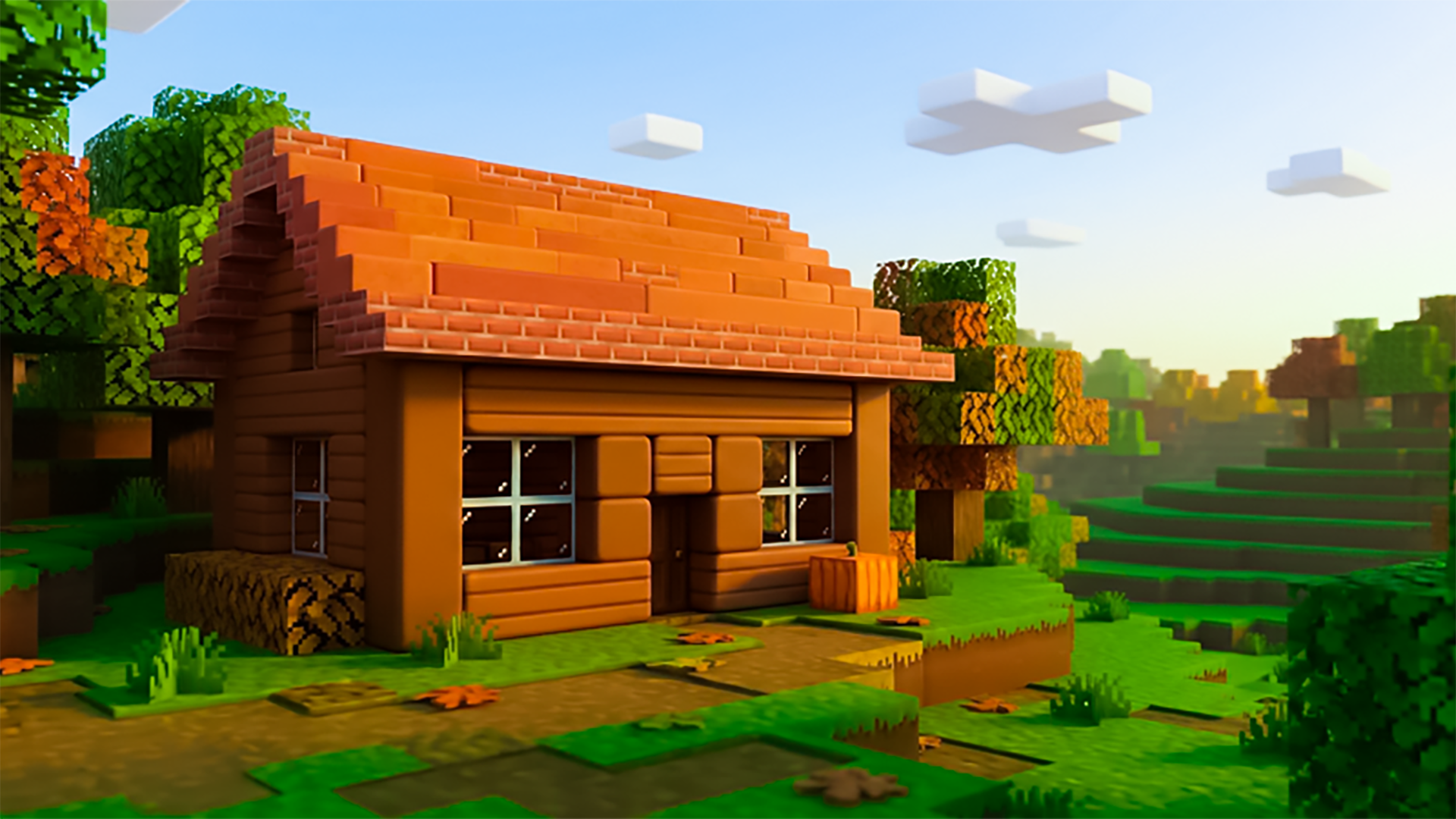
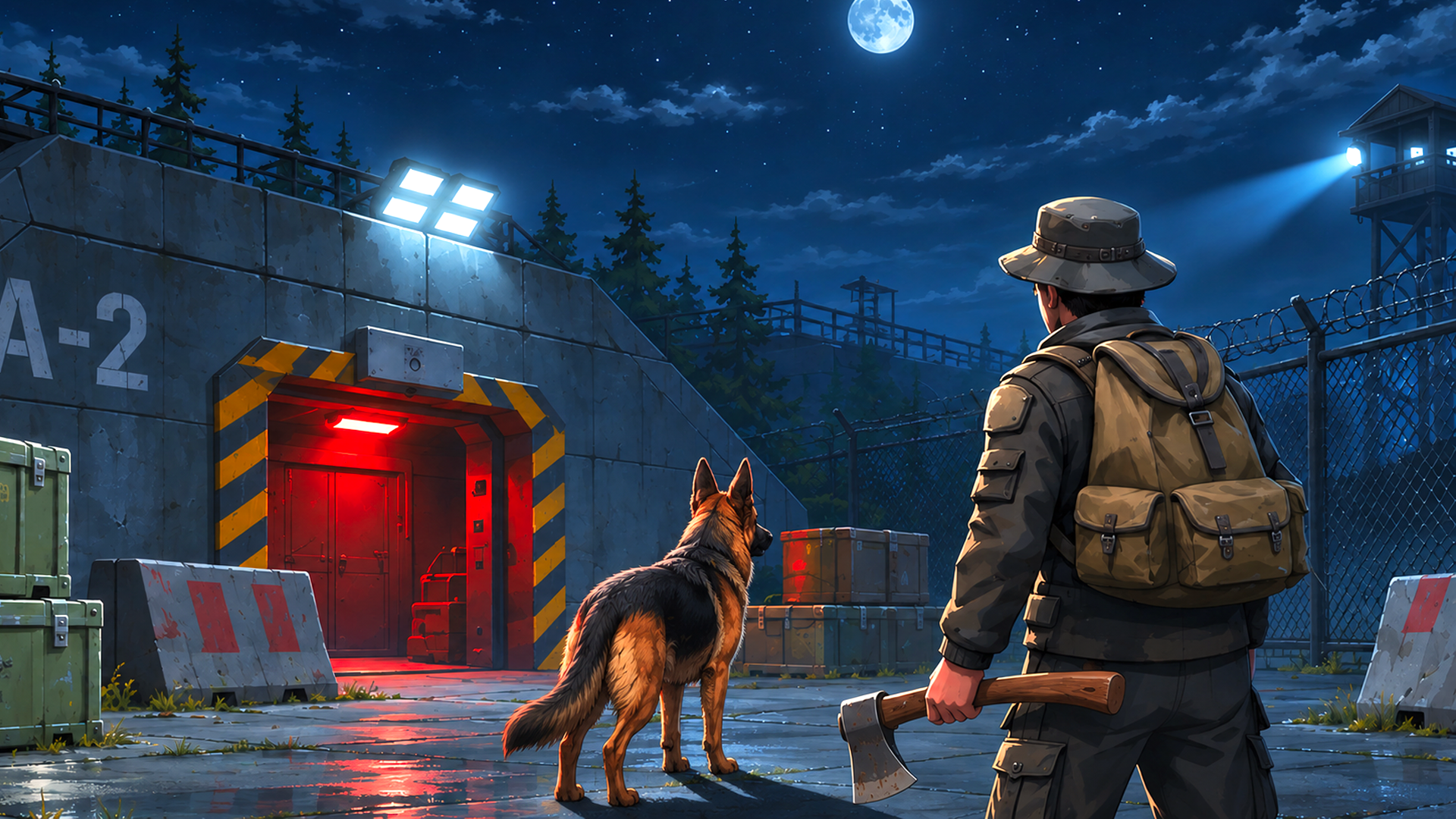
Embark on a unique survival adventure on floating islands in a 3D world, where each island offers valuable resources. Explore vibrant landscapes, battle monsters to grow stronger, and trade with villagers for useful items. Build plantations and breed animals to ensure a steady supply of food and resources. The skies are full of islands, each one holding secrets and challenges. Survive, craft, battle, and thrive in this exciting world!
Field manual
For computer: - Move: W, A, S, D - Jump: Spacebar - Break blocks: Hold down LMB - Place blocks: RMB / F - Inventory: E - Pause: Tab - Help: J - Drop: Q (Shift+Q Drop full slot) For mobile devices: - Move: Left Joystick - Jump: Arrow icon button - Break blocks: Hold down the sword icon button. - Stack blocks: Hold down the cross icon button. - Inventory: Orange button in the middle of the screen. - Pause: Purple button in the upper right corner of the screen
Launch orders: press Launch mission above and the game loads on this page itself — nothing downloads and no form stands between you and the first move. It is designed for a landscape (wide) screen and takes its orders from mouse, keyboard or touch, depending on the mission. It is built wide, for a landscape screen — rotate a phone sideways, or give it a tablet or monitor to stretch out on. If it offers a fullscreen control, use it — a fight this size deserves the whole screen.
Field notes for survival operations
- Eat before you are hungry and drink before you are thirsty. Survival meters punish late reactions; the whole genre is a logistics exam disguised as an adventure.
- Build the shelter before the project. A safe place to return to converts every expedition from a gamble into a commute, and commutes are how survival games get beaten.
- Carry less, mark more. Inventory space is the real currency — leave the third backup of anything, and mark every resource you pass so future-you can run a supply route instead of a search party.
Skyblock 3D: Survival — questions from the ranks
What does it cost to play Skyblock 3D: Survival?
Nothing at all. The mission is free from the first order to the last — no sign-up, no download, no paid tier guarding the good levels. The advertising around this page is what keeps the board free.
What sort of mission is Skyblock 3D: Survival?
Skyblock 3D: Survival is filed in our Survival theatre. Like every operation on this board, it is a browser game — read the briefing above for the publisher's own account of what you are deploying into.
Can I run Skyblock 3D: Survival on a phone or tablet?
Yes. It plays in the browser on phones and tablets exactly as it does on a computer. It is built wide, for a landscape screen — rotate a phone sideways, or give it a tablet or monitor to stretch out on.
Do I have to install anything before playing?
No installation of any kind. Skyblock 3D: Survival is an HTML5 game: press the launch button and it loads on this page, and closing the tab leaves nothing behind.
After-action
Mission complete, or still pinned down? The full Survival theatre is one click away — Outlast the situation: hunger, weather, islands, sieges and things considerably worse than weather. One hundred and forty-seven ways to still be standing when the session ends.
| Theatre | Survival |
| Screen | landscape |
| Entry fee | Free |
| Runs on | Android, For IOS, For Desktop (browser) |
| In-game purchases | None listed |