Mission Board / Action Theatre / Sword Smash
Sword Smash
Mission briefing
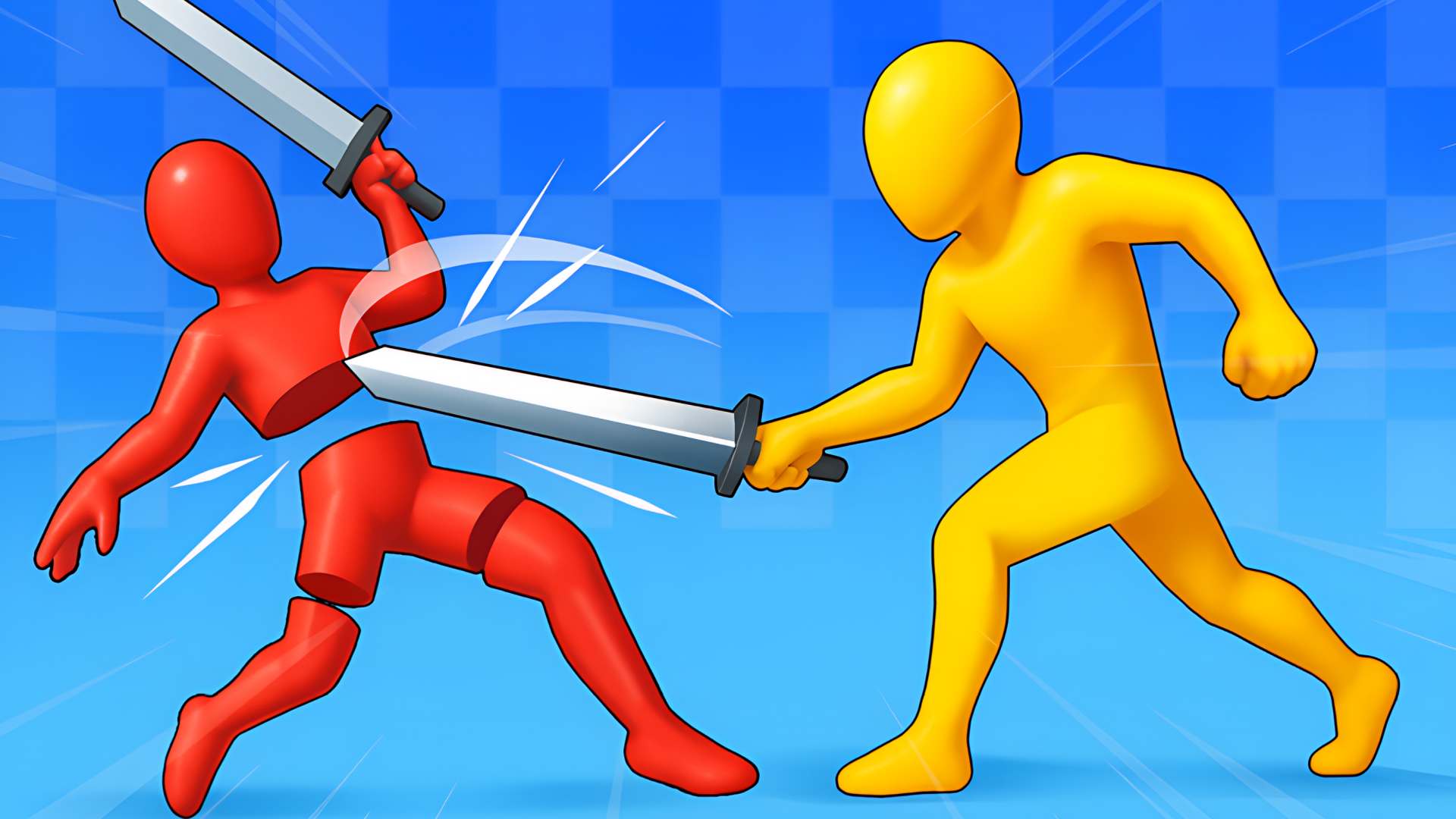
Sword Smash is a strength simulator in a busy online-style lobby. Hit training dummies to gain strength with every swing, then walk into the wall lane and smash wall after wall: the stronger you are, the faster they break and the more gold you get. Spend gold on better weapons, from a wooden sword to a katana and a giant claymore, and trophies on new armor tiers. Put on fire, ice or lightning auras, rebirth for a bigger multiplier and travel through six worlds: Castle, Rome, Samurai, Pirates, Desert and Vikings. When you feel ready, enter the Arena and fight waves of warriors in first person, slashing left and right and blocking their hits.
Field manual
Computer: move with WASD, look with the mouse, hit with the left click (or press E next to a dummy or a wall to auto-hit), jump with SPACE. Keys 1 to 5 open the Armory, Wardrobe, Worlds, Rebirth and Arena; O opens options, TAB the leaderboard and G makes you dance. In the Arena, move the mouse to a side and click to slash there: short click for quick, hold for heavy, right click to block. Phone and tablet (landscape): move with the stick on the left, drag to look, and use the HIT, JUMP and USE buttons; the side buttons open each shop. In the Arena: left and right slash buttons, BLOCK and JUMP. Goal: gain strength, smash every wall, open the six worlds and win the Arena.
Launch orders: press Launch mission above and the game loads on this page itself — nothing downloads and no form stands between you and the first move. It is designed for a landscape (wide) screen and takes its orders from mouse, keyboard or touch, depending on the mission. It is built wide, for a landscape screen — rotate a phone sideways, or give it a tablet or monitor to stretch out on. If it offers a fullscreen control, use it — a fight this size deserves the whole screen.
Field notes for action operations
- First run is reconnaissance. Spend it learning where the danger actually spawns from instead of chasing a score — most action games announce their patterns honestly in the opening minute, then repeat them with worse manners.
- Movement is a defensive stat. A moving target at half health outlives a stationary one at full health in nearly every game on this board, so keep relocating between shots, strikes and reloads.
- Learn the exit before the entrance closes. In arena and chase games alike, the players who survive longest are the ones who noticed the second doorway while everyone else was watching the first.
Sword Smash — questions from the ranks
What does it cost to play Sword Smash?
Nothing at all. The mission is free from the first order to the last — no sign-up, no download, no paid tier guarding the good levels. The advertising around this page is what keeps the board free.
What sort of mission is Sword Smash?
Sword Smash is filed in our Action theatre. Like every operation on this board, it is a browser game — read the briefing above for the publisher's own account of what you are deploying into.
Can I run Sword Smash on a phone or tablet?
Yes. It plays in the browser on phones and tablets exactly as it does on a computer. It is built wide, for a landscape screen — rotate a phone sideways, or give it a tablet or monitor to stretch out on.
Do I have to install anything before playing?
No installation of any kind. Sword Smash is an HTML5 game: press the launch button and it loads on this page, and closing the tab leaves nothing behind.
After-action
Mission complete, or still pinned down? The full Action theatre is one click away — The main hall of the board: 469 operations where something is always moving, exploding, escaping or being chased. If a game has a pulse and a problem, it is probably filed here.
| Theatre | Action |
| Also filed | Fighting, First Person Shooter, Multiplayer |
| Screen | landscape |
| Entry fee | Free |
| Runs on | Android, For IOS, For Desktop (browser) |
| In-game purchases | None listed |