Mission Board / Multiplayer Theatre / Chess Online Playing
Chess Online Playing
Mission briefing
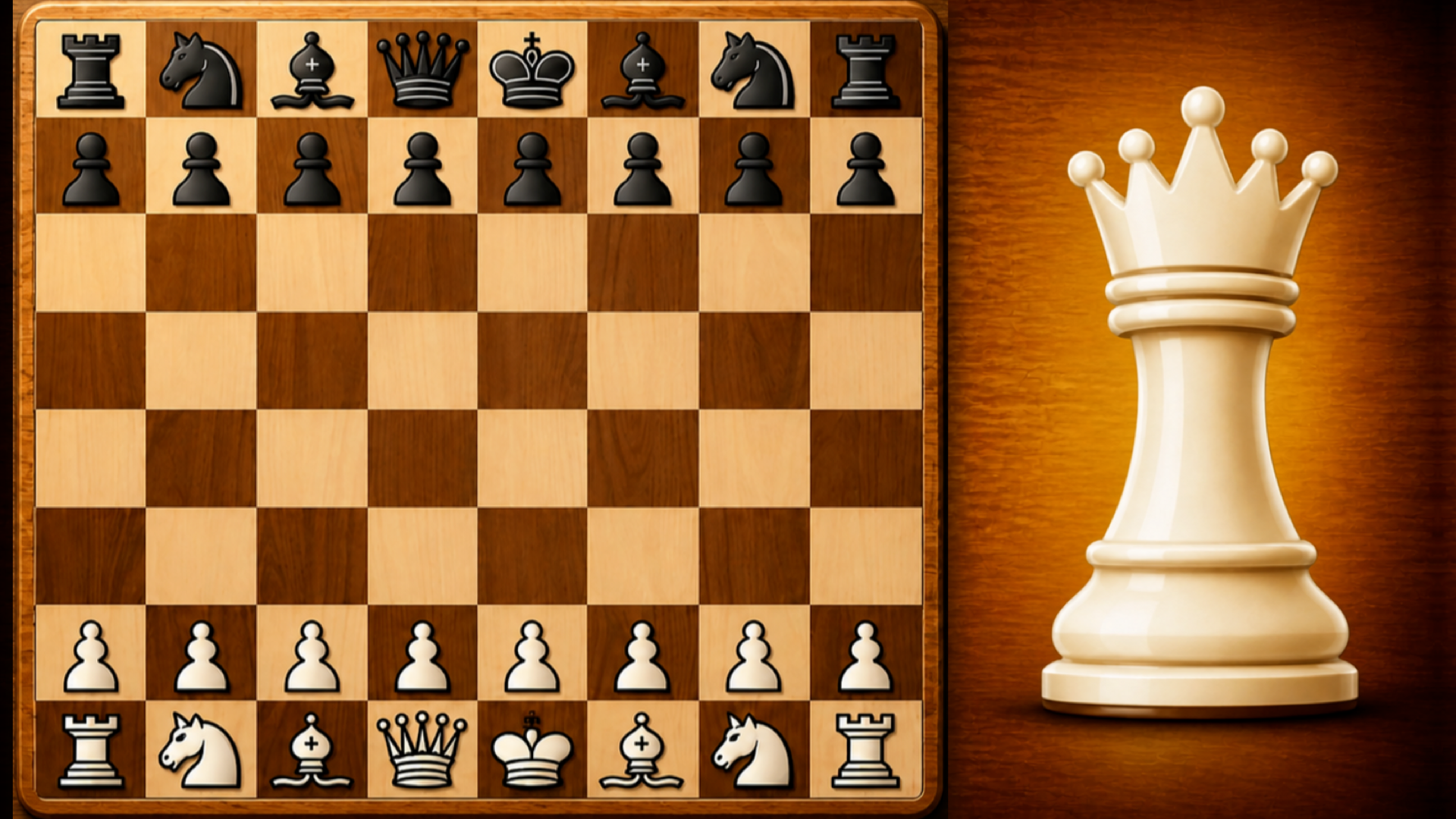
"Chess Online Playing" is the best free online chess with a computer with full functionality for amateurs and professionals. A classic chess game in a modern version. ♟️ How can I play? - With real players: Challenge opponents from all over the world online. Increase your rating and prove your superiority! 💪 - With a computer: train with advanced AI. Choose the difficulty level from beginner to master level. 🤖 - With friends: create private rooms for online battles or play classic mode on the same phone, passing the move to each other. 🤝
Field manual
Click "Play" in the main menu and select the mode: online, with a computer or with a friend. To make a move, click on your piece and then on the destination square. The goal of the game is to checkmate the opponent's king or win in time. To change (mix) the appearance of the pieces and the board, open the "Themes" section and select the desired options in the "Shape type" and "Board type" blocks.
Launch orders: press Launch mission above and the game loads on this page itself — nothing downloads and no form stands between you and the first move. It is designed for a portrait (upright) screen and takes its orders from mouse, keyboard or touch, depending on the mission. It is built tall, for an upright screen — a phone held normally frames it best, though any window will run it. If it offers a fullscreen control, use it — a fight this size deserves the whole screen.
Field notes for multiplayer operations
- The first match against strangers is tuition. You are not there to win it; you are there to learn the map, the pacing and what the regulars do that the tutorial never mentioned.
- Ping and position beat raw aim. A stable connection and a sensible place to stand will win you more rounds than any sensitivity setting ever published.
- Rematch the player who beat you cleanly. Queues are random, but lessons are not — the opponent who outplayed you is a free coach for exactly the skill you are missing.
Chess Online Playing — questions from the ranks
What does it cost to play Chess Online Playing?
Nothing at all. The mission is free from the first order to the last — no sign-up, no download, no paid tier guarding the good levels. The advertising around this page is what keeps the board free.
What sort of mission is Chess Online Playing?
Chess Online Playing is filed in our Multiplayer theatre. Like every operation on this board, it is a browser game — read the briefing above for the publisher's own account of what you are deploying into.
Can I run Chess Online Playing on a phone or tablet?
Yes. It plays in the browser on phones and tablets exactly as it does on a computer. It is built tall, for an upright screen — a phone held normally frames it best, though any window will run it.
Do I have to install anything before playing?
No installation of any kind. Chess Online Playing is an HTML5 game: press the launch button and it loads on this page, and closing the tab leaves nothing behind.
After-action
Mission complete, or still pinned down? The full Multiplayer theatre is one click away — Other people are the content. One hundred and thirty-six operations where the opposition has a pulse, a username and no intention of letting you win politely.
| Theatre | Multiplayer |
| Also filed | Two Player |
| Screen | portrait |
| Entry fee | Free |
| Runs on | Android, For IOS, For Desktop (browser) |
| In-game purchases | None listed |