Mission Board / Strategy Theatre / Milord, We Have a Zombie Problem
Milord, We Have a Zombie Problem
Mission briefing
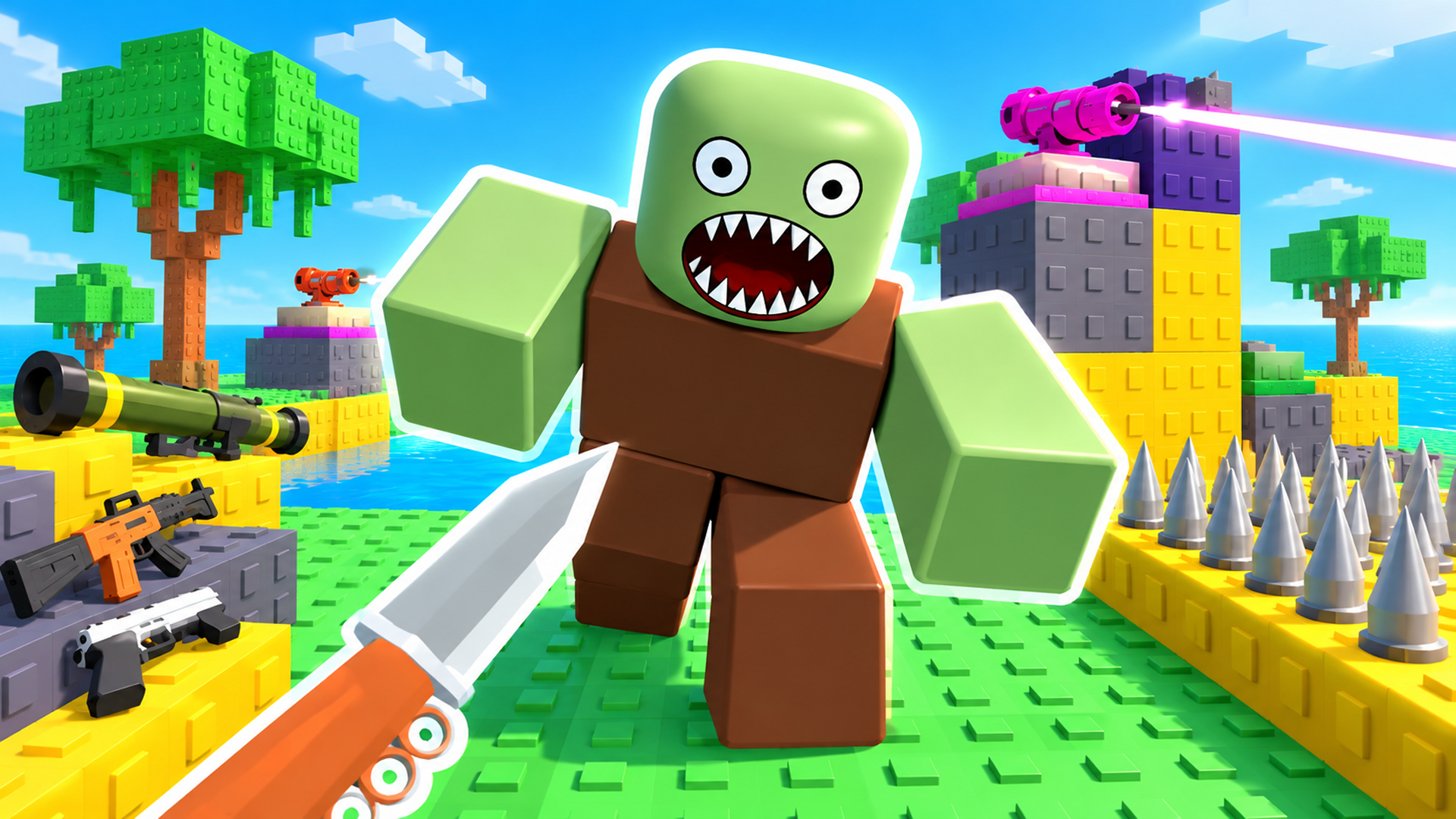
Medieval tower defense against a horde of tens of thousands of zombies. Build crossbows, ballistae, trebuchets, dragonfire braziers, storm spires, alchemist towers and sunlance prisms beside the road, aim them by hand and hold the keep while zombies, skeletons, hellhounds, necromancers and dragon-liches pour in. Four heroes stand guard at the gate: Sir Knight with his sword, the Elf Ranger with a fan of arrows, the Sorceress with arcane blasts and Death the Reaper with his scythe. Between battles, spend the souls of the slain in the War Council: a huge upgrade tree with new towers, spells, griffin riders, a holy meteor and a training tree for every hero.
Field manual
Goal: keep the dead from reaching your keep until the whole horde is gone. Before each battle, pick a tower in the bottom bar (or press 1-7) and click on the walls or raised ground beside the road to build it, or drag it from the bar onto the map. Then click or drag to set its aim; towers sweep around that point. Drag your hero to any spot on the road. Press Space (or tap Start Battle) to begin. During the battle, click the horde to hurl a Royal Fireball (hold to keep casting) and use your other spells with keys 1-4. Right mouse button drag or the arrow keys pan the map, the wheel zooms, Space pauses. After the battle, spend Souls, Royal Seals and Holy Relics in the War Council to unlock and upgrade towers, spells and heroes. On phones: tap to build, drag to aim, pinch to zoom.
Launch orders: press Launch mission above and the game loads on this page itself — nothing downloads and no form stands between you and the first move. It is designed for a flexible screen and takes its orders from mouse, keyboard or touch, depending on the mission. It adapts to both upright and wide screens, so phones, tablets and desktops all frame it sensibly. If it offers a fullscreen control, use it — a fight this size deserves the whole screen.
Field notes for strategy operations
- Economy first, army second. The player who builds one more resource structure in the opening minutes out-produces the player who built one more soldier — arithmetic is the quietest weapon in strategy.
- Scout before you commit. Every strategy game hides a paper to your rock; two minutes of reconnaissance is cheaper than twenty minutes of building the wrong answer.
- Hold a reserve. Committing everything to the first fight leaves nothing for the second, and there is always a second — usually arriving while you are still rebuilding from the first.
Milord, We Have a Zombie Problem — questions from the ranks
What does it cost to play Milord, We Have a Zombie Problem?
Nothing at all. The mission is free from the first order to the last — no sign-up, no download, no paid tier guarding the good levels. The advertising around this page is what keeps the board free.
What sort of mission is Milord, We Have a Zombie Problem?
Milord, We Have a Zombie Problem is filed in our Strategy theatre. Like every operation on this board, it is a browser game — read the briefing above for the publisher's own account of what you are deploying into.
Can I run Milord, We Have a Zombie Problem on a phone or tablet?
Yes. It plays in the browser on phones and tablets exactly as it does on a computer. It adapts to both upright and wide screens, so phones, tablets and desktops all frame it sensibly.
Do I have to install anything before playing?
No installation of any kind. Milord, We Have a Zombie Problem is an HTML5 game: press the launch button and it loads on this page, and closing the tab leaves nothing behind.
After-action
Mission complete, or still pinned down? The full Strategy theatre is one click away — The thinking soldier's shelf: 115 operations where the decisive weapon is a plan made thirty seconds before it is needed. Build first, then hold what you built.
| Theatre | Strategy |
| Also filed | Tower Defense, Zombie |
| Screen | Portrait & landscape |
| Entry fee | Free |
| Runs on | Android, For IOS, For Desktop (browser) |
| In-game purchases | Offered by the game itself |