Mission Board / Adventure Theatre / Obby Keyboard Worlds: +1 Speed & Jump
Obby Keyboard Worlds: +1 Speed & Jump
Mission briefing
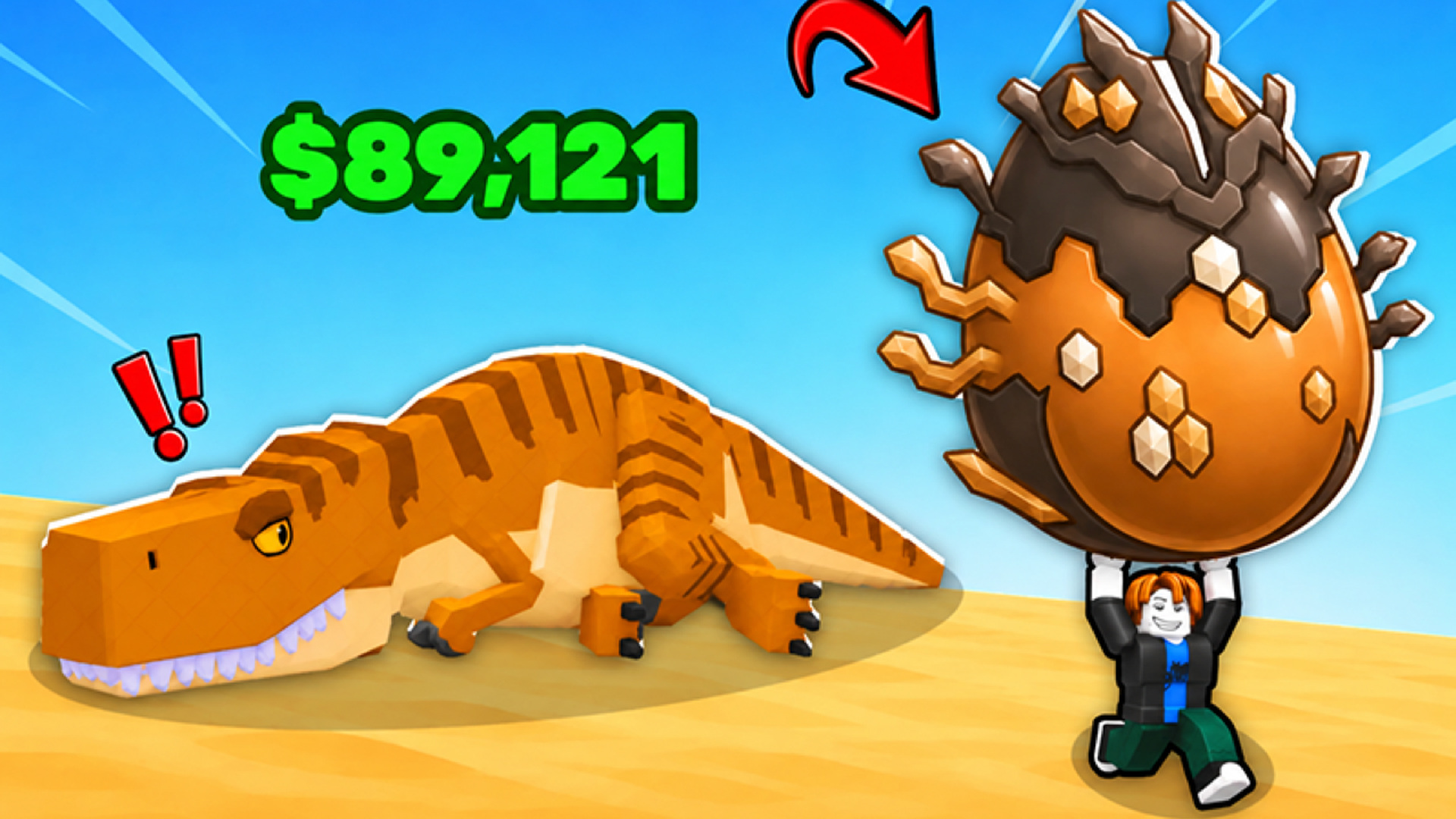
Explore giant keyboard worlds! Train to run faster, unlock extra midair jumps, and leap between islands while dodging swinging hammers and tricky obstacles. Earn trophies, upgrade your sneakers, and rebirth to boost your progress. Can you reach the finish in every world?
Field manual
Desktop • WASD or arrow keys: move. • Space: jump. Press again or hold to use your available midair jumps. • Mouse: look around. When the cursor is visible, hold the right mouse button and drag to rotate the camera. • Mouse wheel: zoom in or out. • Tab: show or hide the cursor. • Hold E near sneakers: buy or equip them. • Use the on-screen controls to adjust your speed and camera zoom. Mobile Use the joystick on the left to move and swipe on the right to look around. Tap the jump button to jump, or hold it to use your available midair jumps. Use the on-screen buttons and sliders to interact, adjust speed, and zoom.
Launch orders: press Launch mission above and the game loads on this page itself — nothing downloads and no form stands between you and the first move. It is designed for a landscape (wide) screen and takes its orders from mouse, keyboard or touch, depending on the mission. It is built wide, for a landscape screen — rotate a phone sideways, or give it a tablet or monitor to stretch out on. If it offers a fullscreen control, use it — a fight this size deserves the whole screen.
Obby Keyboard Worlds: +1 Speed & Jump — questions from the ranks
What does it cost to play Obby Keyboard Worlds: +1 Speed & Jump?
Nothing at all. The mission is free from the first order to the last — no sign-up, no download, no paid tier guarding the good levels. The advertising around this page is what keeps the board free.
What sort of mission is Obby Keyboard Worlds: +1 Speed & Jump?
Obby Keyboard Worlds: +1 Speed & Jump is filed in our Adventure theatre. Like every operation on this board, it is a browser game — read the briefing above for the publisher's own account of what you are deploying into.
Can I run Obby Keyboard Worlds: +1 Speed & Jump on a phone or tablet?
Yes. It plays in the browser on phones and tablets exactly as it does on a computer. It is built wide, for a landscape screen — rotate a phone sideways, or give it a tablet or monitor to stretch out on.
Do I have to install anything before playing?
No installation of any kind. Obby Keyboard Worlds: +1 Speed & Jump is an HTML5 game: press the launch button and it loads on this page, and closing the tab leaves nothing behind.
After-action
Mission complete, or still pinned down? The full Adventure theatre is one click away — Combat with a journey attached. These 117 operations send you somewhere — a frontier, a dungeon, a floating island — and expect you to fight your way through the itinerary.